What is a Meme Soundboard? How to Use It and Why It's Trending?
A meme soundboard lets you play funny viral sound buttons instantly online. Learn how to use it and why My-Instants is everyone's favorite free soundboard.
Chirag
Published April 7, 2026·Updated April 10, 2026
Ever watch one of those funny videos where you hear that classic “bruh” sound or the SpongeBob fail horn? Those sounds are from a meme soundboard. Meme sounds are ubiquitous on social media today. And if you want to hear them yourself then My-Instants is the place to be.
What is a Meme Soundboard?
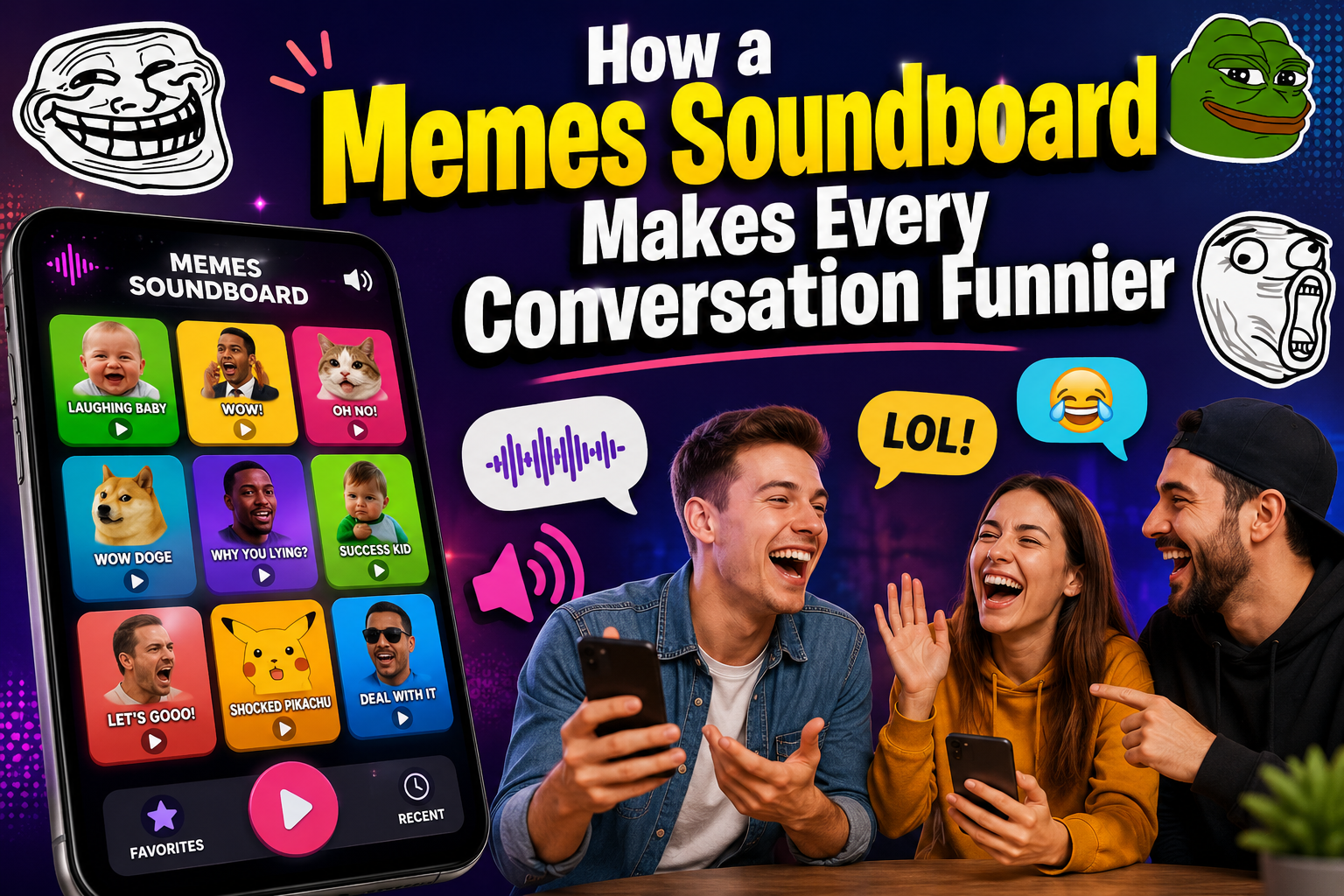
For those not in the know, a meme soundboard is an ultimate hub for all the popular funny sounds and audio bits. Each tone corresponds to a clickable button. You just hit it, and the sound comes right out. No downloads needed. No setup required.
These sound buttons include viral clips, movie quotes, game sounds, reaction audios and internet meme sounds that people use in everyday life. It’s like a giant remote for the internet’s most popular kinds of humor.
Why Are Meme Soundboards Trending Online?
Meme soundboards have skyrocketed in popularity for three easy-to-understand reasons:
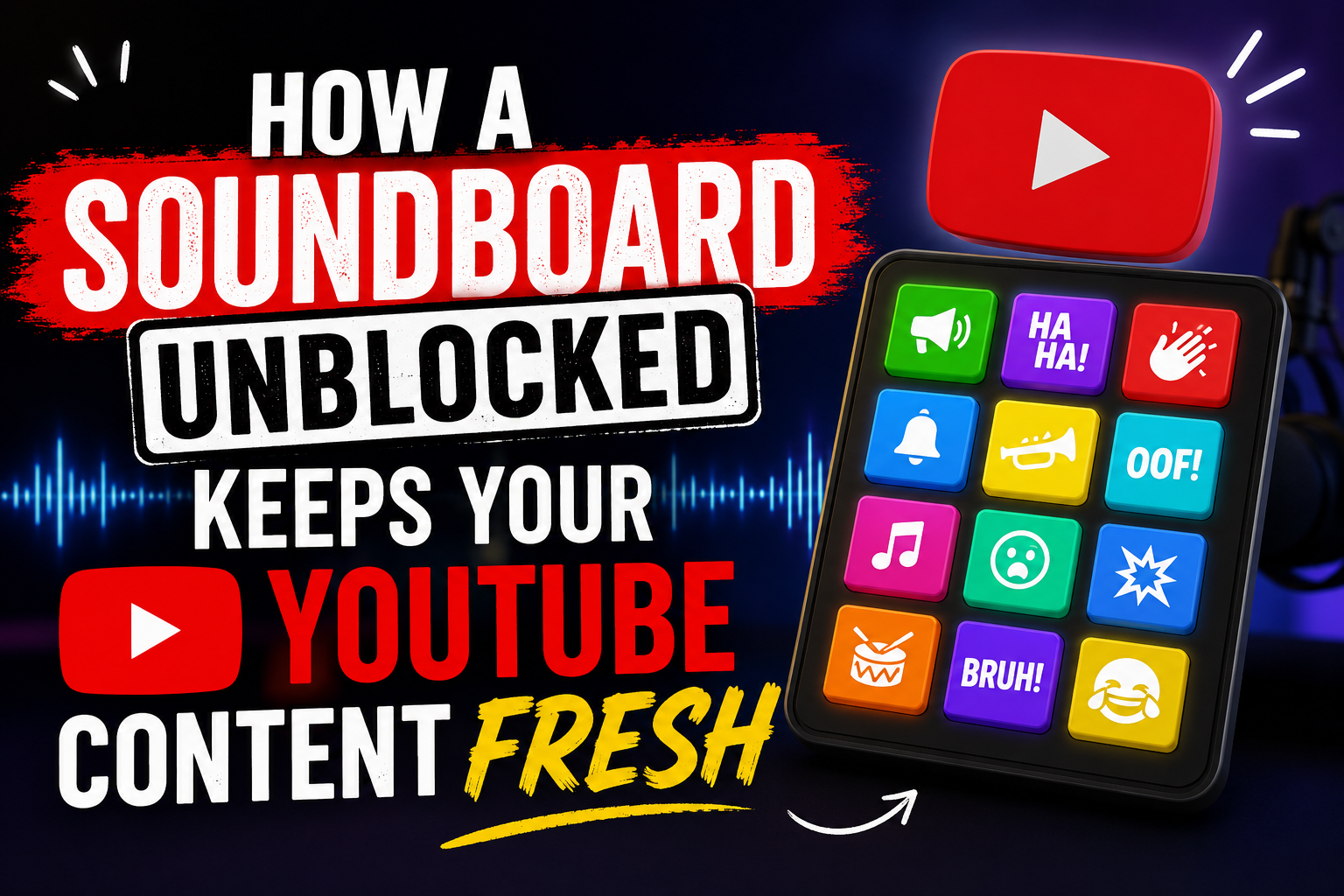
1. Social Media and Short Videos Platforms TikTok YouTube Shorts, Instagram Reels mostly use audio. Soundboard clips help make videos funnier and more engaging.
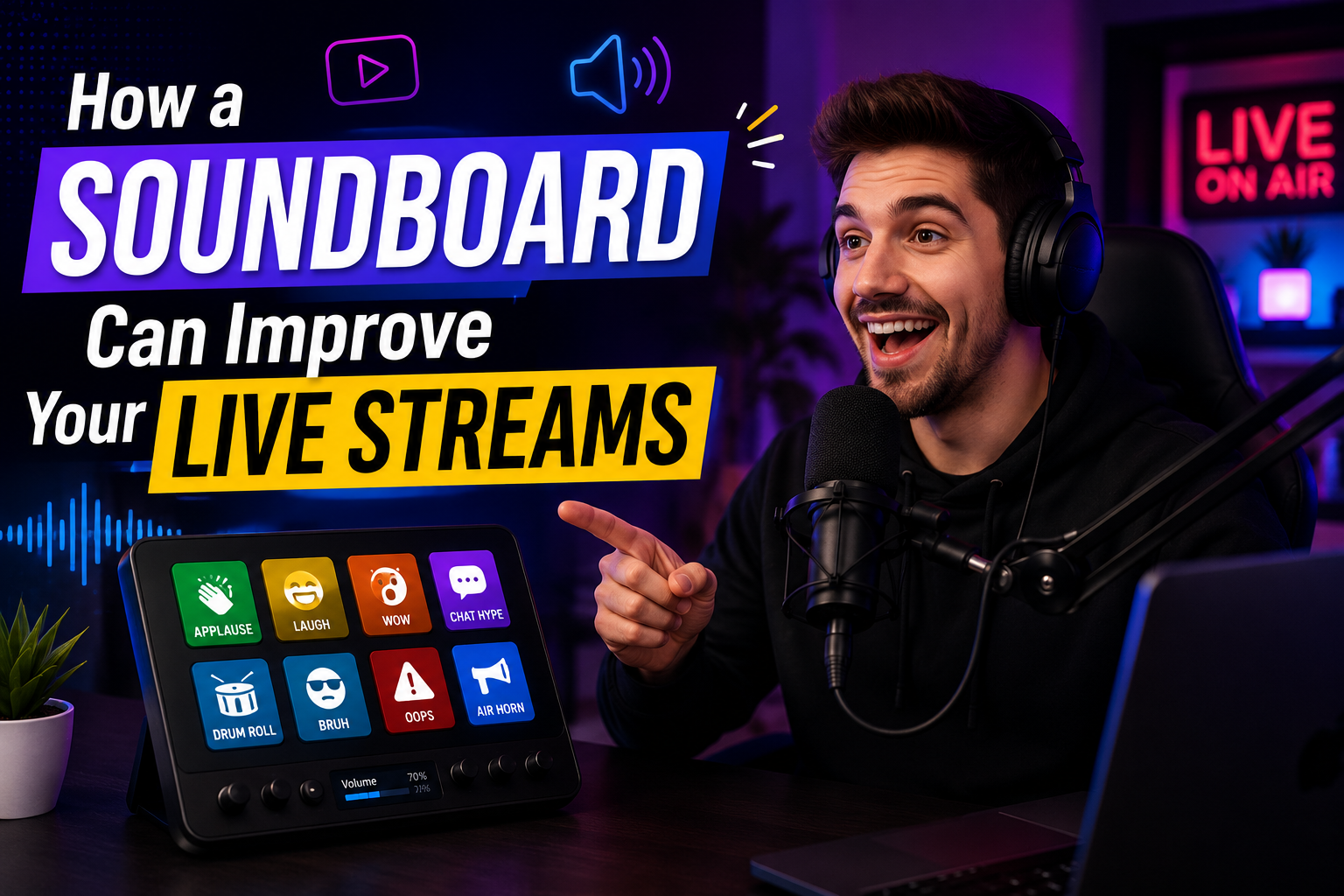
2. Sound boards for live streaming BTR, Twitch and YouTube streamers use sound buttons during their streams in real time. This made the audience erupt in laughter when a perfectly timed meme sound plays.
3. Discord and Group Chats A common joke between friends is in Discord voice calls, where they use soundboards to troll each other, respond to moments or simply have fun.
4. Content Creation Media editors and content creators insert meme sounds in their video to increase the entertainment value without investing days in audio editing.
How to Use a Meme Soundboard on My-Instants
My-Instants is free and easy to use. Here is how to get started:
Step 1: Enter the Site Go to my-instants.com. On the homepage you will see a colorful grid of sound buttons.
Step 2: Search or Browse Type a keyword in the search bar “fail,” “bruh” or “wow.” On the homepage, you can also view trending and popular sounds.
Step 3: Click to Play Pressing any button produces instant sound. No registration, no ads, no waiting.
Step 4: Share or Download Every sound on the soundboard has a share option. Or you can simply copy the link and share it with friends, download the audio file or use for your own projects.
Step 5: Create Your Own Sound My-Instants also allows users to upload their own sound buttons. What this means is that every day more content comes in from the community and the library grows.
Why My-Instants is the Go-To Meme Soundboard
There are tons of soundboard websites who cover this subjects but My-Instants is different from the rest for:
Big Library: Thousands of sound buttons, any meme, feeling and moment you can imagine.
100% Free: No paid plans, no premium tiers.
No Login Required: Open and play.
Responsive: Works seamlessly on mobile devices like phones and tablets
Community Powered: New sounds are constantly added by users to keep it fresh.
This soundboard is owned by My-Instants, and you will find reaction sounds from funny people to gaming audio or viral phrases to classic internet memes.
FAQs
Q1: What is a meme soundboard?
A: Viral sound buttons that you can play online with one click.
Q2: How much does it cost to use My-Instants?
A: Yes, totally free and no signup is required.
Q3: Can I save or download sounds from the soundboard?
A: Yes, to download the sounds on My-Instants as audio files.
Q4: How can I put my own sound on the soundboard?
A: Step one is uploading your audio clip to My-Instants, which you will create a free account on.